How to write a search functional design
Key takeaway
Copy the spec. Keep the tip. Replace the example column with your site.
Every row says what it must do, which want it serves, and whether it is in at launch.
The same paper goes to product evaluation, solution design, UX/UI, and estimation.
Last week they told us what they want, why, and when. This spec is what they really need, where everyone can see it, before anyone shows them how.
Copy from here. The example is a men’s health and suicide-prevention charity launching a new site. Replace the example.
Write what a visitor would notice, or what a staff member must be able to do. A setting, a system, or a build step is too early. The tech spec, the solution design, the screens, and the estimate read this when it is done.
There are two main reasons to bother to define requirements: so you know what you're building and so you know what you're not building.
Jesse James Garrett, “The Scope Plane: Functional Specifications and Content Requirements,” The Elements of User Experience
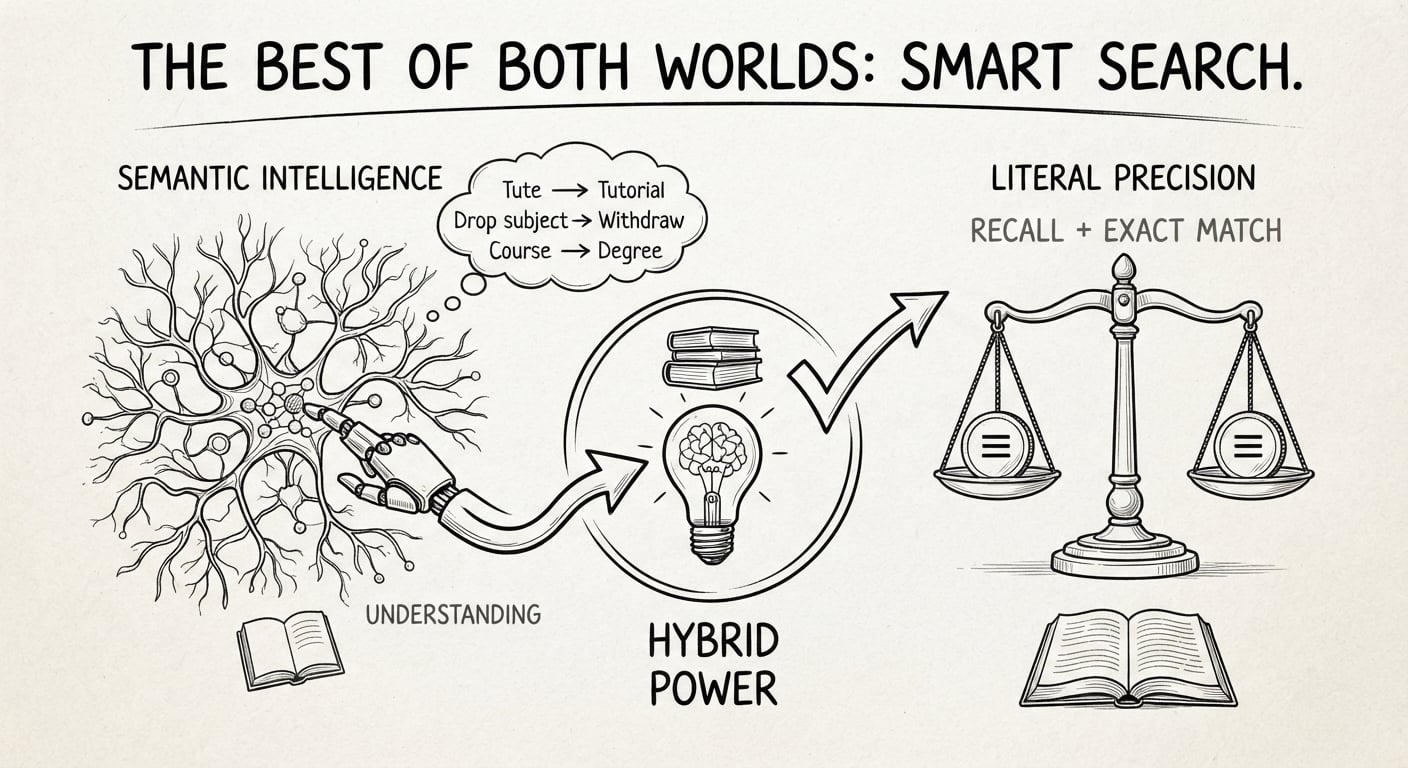
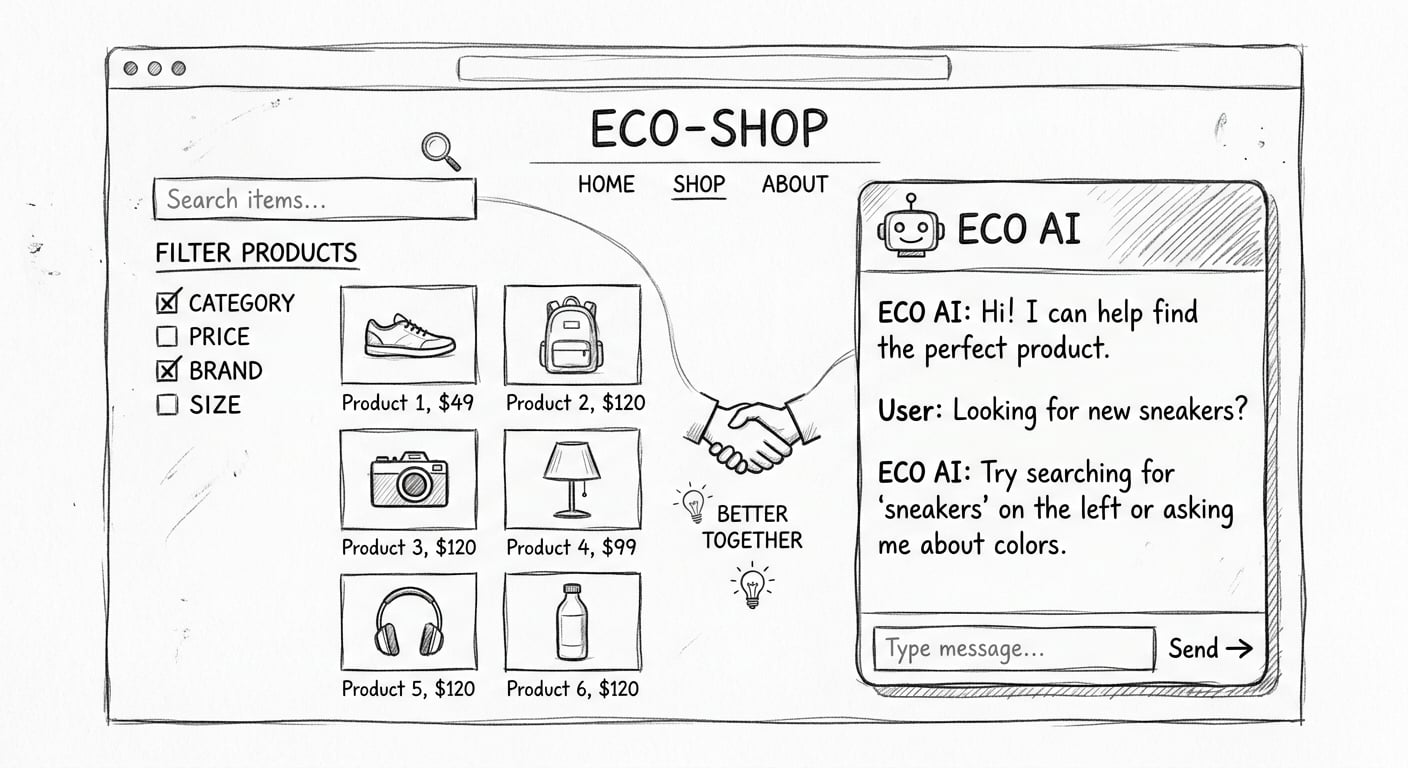
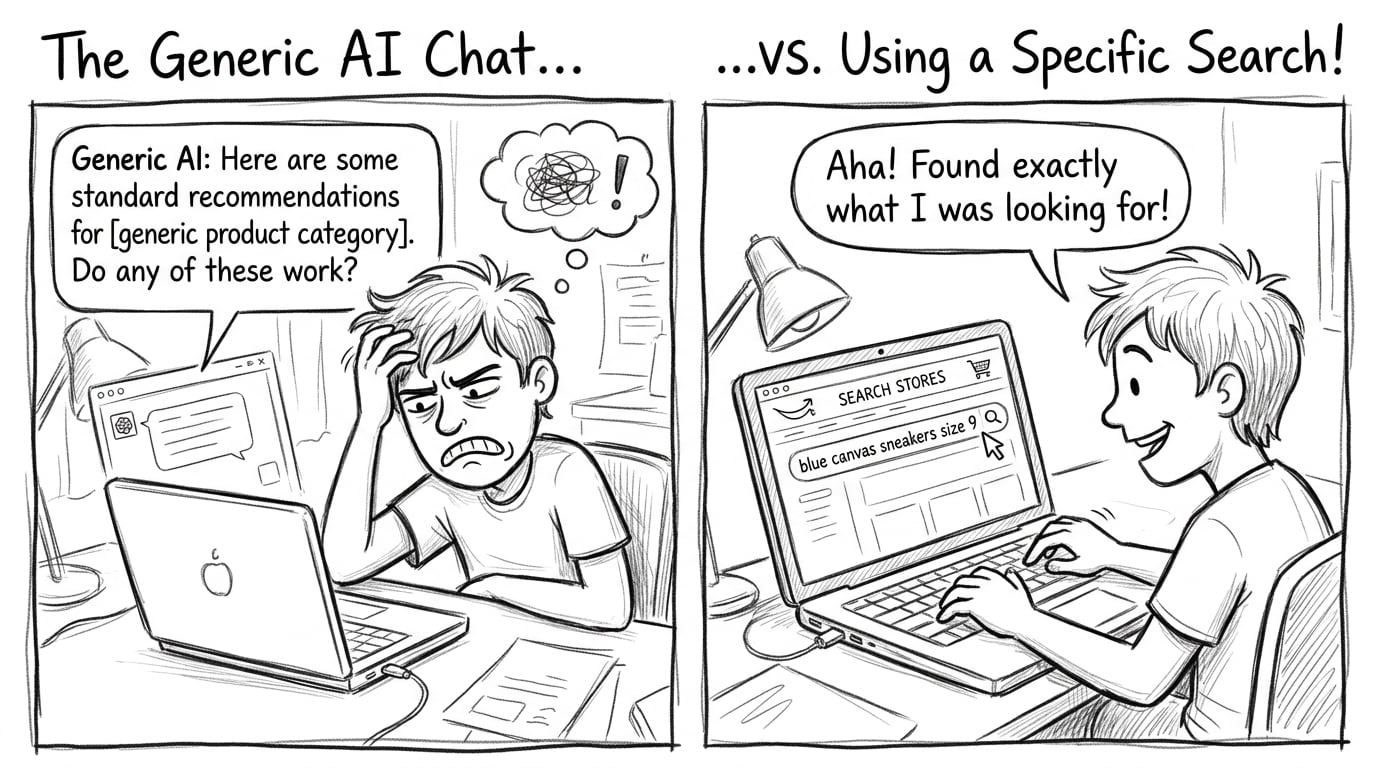
A search engine is not enough to fill the rows.
1. Header
Tip. Take want, why, and when from the strategy session. Do not invent a new goal here.
| Field | Example |
|---|---|
| Site | New website. Men’s health and suicide prevention. Pages, stories, downloadable fact sheets. |
| Want | A man, or someone worried about him, finds help or the right fact sheet without knowing the menu. |
| Why | The site is too big for navigation to carry. |
| When | Launch. Not a later phase. |
2. Search box
Tip. Name a real query. Say what they see, and what they must not see. Do not say how the box finds it.
| Need | What it must do | Why | Launch |
|---|---|---|---|
| Suggestions as they type | As someone types “talk”, they see “talk to someone” and the get-help page, before any story. They only see our pages. | They came for help. | Yes |
| Mistyped words | “anxity” and “mentel” still reach the anxiety fact sheet and the get-help page. A plea for help is not turned into a story. | A spelling slip must not hide the page. | Yes |
| Before they type | The empty box offers talk to someone, anxiety, and worried about a mate. | Show them where to start. | Yes |
3. Search results
Tip. Say what they can narrow by, what comes first, and whether a fact sheet is findable on its own. No formula.
| Need | What it must do | Why | Launch |
|---|---|---|---|
| Groups | They can narrow results to Get help, Fact sheets, Stories, For families, or For workplaces. | They need to tell help from a story. | Yes |
| Names we already use | Search uses those same names. It does not invent a second set of labels. | One set of names, shared with the rest of the site. | Yes |
| What comes first | When they are looking for help, help and local services show before stories and news. | The visit fails if a story wins. | Yes |
| Order they can change | The closest match is the usual order. They can switch to newest. | Newest is for a fresh fact sheet, not for finding help. | Yes |
| Further pages | “Anxiety” can continue past the first page. “Talk to someone” should be on the first page. | Help is found immediately. | Yes |
| Pages | Each page shows up under a title a person will recognise. | The result has to look like the thing they came for. | Yes |
| Fact sheets | A fact sheet shows up as its own result, title visible, not only as a mention inside a page. | Fact sheets are half the library. | Yes |
| Their situation | They can say which state they are in, and whether they are a young man, a family, or a workplace. Local services and that situation come first. | A national page is the wrong door for a service in their state. | Yes |
| Changes staff can make | The content team can put the awareness-week page first, and can teach the box that “mate” means the help page, without waiting on a project. | The team is small. | Yes |
4. Constraints
Tip. A constraint rules a row out, or narrows it. If it does neither, it is a hope, not a wall. Check every Yes row against this list before you estimate.
| Wall | What it rules out | Example on this site |
|---|---|---|
| When | Anything not in the Yes column is out of the estimate. | Launch is the when. |
| No account | Search must work on a first visit. | No sign-in to find help. |
| Sensitive queries | Do not use what people type as an advertising list, and do not guess that someone is in crisis and keep a file on them. | State and situation are choices the visitor makes. |
| Who can change it | Name the person, not a product setting. | The content team can change what comes up, and which words count, without a project. |
| Where it has to work | State the device here. Visual design comes later. | Box, suggestions, and the first results work on a phone. |
5. Later pile
Tip. If it serves the want but breaks a wall, keep it here and mark it later. Do not delete it. Deleted lines creep into the estimate.
| Need | Why it waits | Breaks |
|---|---|---|
| A conversation: “what do I do tonight” | A different interaction. Not required for the want at launch. | The when. |
| Recommendations from past queries | Would mean keeping a history of sensitive queries. | Sensitive queries. |
| Accounts | Would mean a sign-in before search. | No account. |
6. Hand the spec over
Tip. Each room gets this paper and one question. If they cannot point at a row, they are adding needs. Send them back.
| Room | Question they answer from the spec |
|---|---|
| Product evaluation | Can it do every Yes row: a fact sheet found on its own, staff changing what comes up without a project, searches kept out of advertising? |
| Solution design | Which pages and fact sheets must be findable, what may come up first, and what we never keep a file on? |
| UX/UI | Which Yes rows need a screen? Not a new list of needs. |
| Estimation | How many Yes rows, and none of the later pile? |
Fill it like this
Length. One search, one launch: about four to six pages. The room should be able to read it aloud.
Language. Use the words from the strategy session, and the organisation’s values when a row needs them. A website owner should be able to read every line. On this charity, “help before a story” belongs in the spec. “Typeahead” and “index” do not.
A link or a sketch. Paste a page that already behaves this way, or a rough box with the first results. Mark it as an illustration, not the screen you are approving. For “talk”, get-help above any story is enough. Do not wait for a polished wireframe.
It ends. This spec is for this want and this when. It is not a living user guide, and it is not a feature manual you keep editing. A new need starts a new functional design. Leave this one as the record of what launch agreed.
On the paper
In the strategy session they told us what they want, why, and when. We said we would show them how to get there.
This spec is the first move. We tell them what they really need, before the how. On the paper, everyone can see it. Product, solution design, screens, and the estimate start from that page. Left without it, someone says “we need a search engine!” and the how begins there.