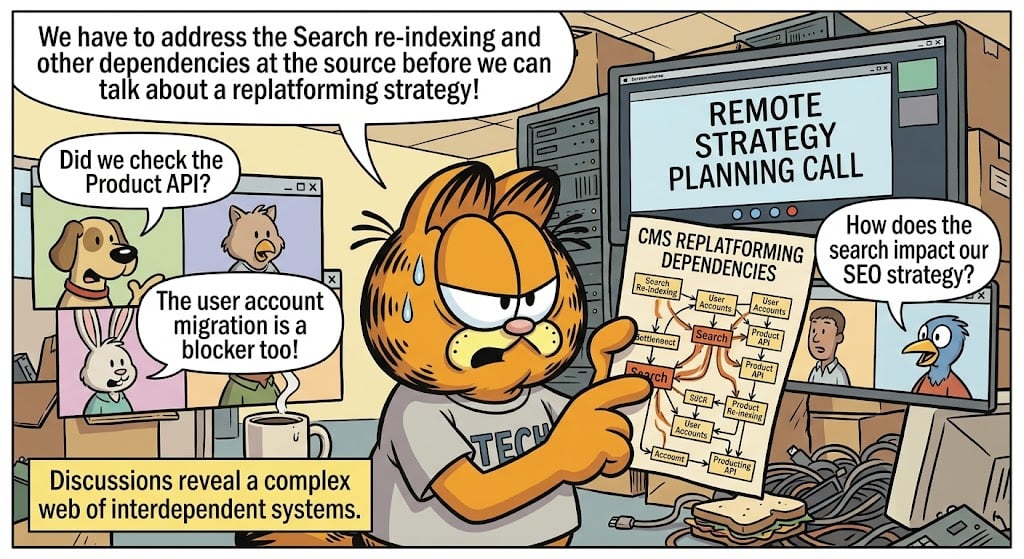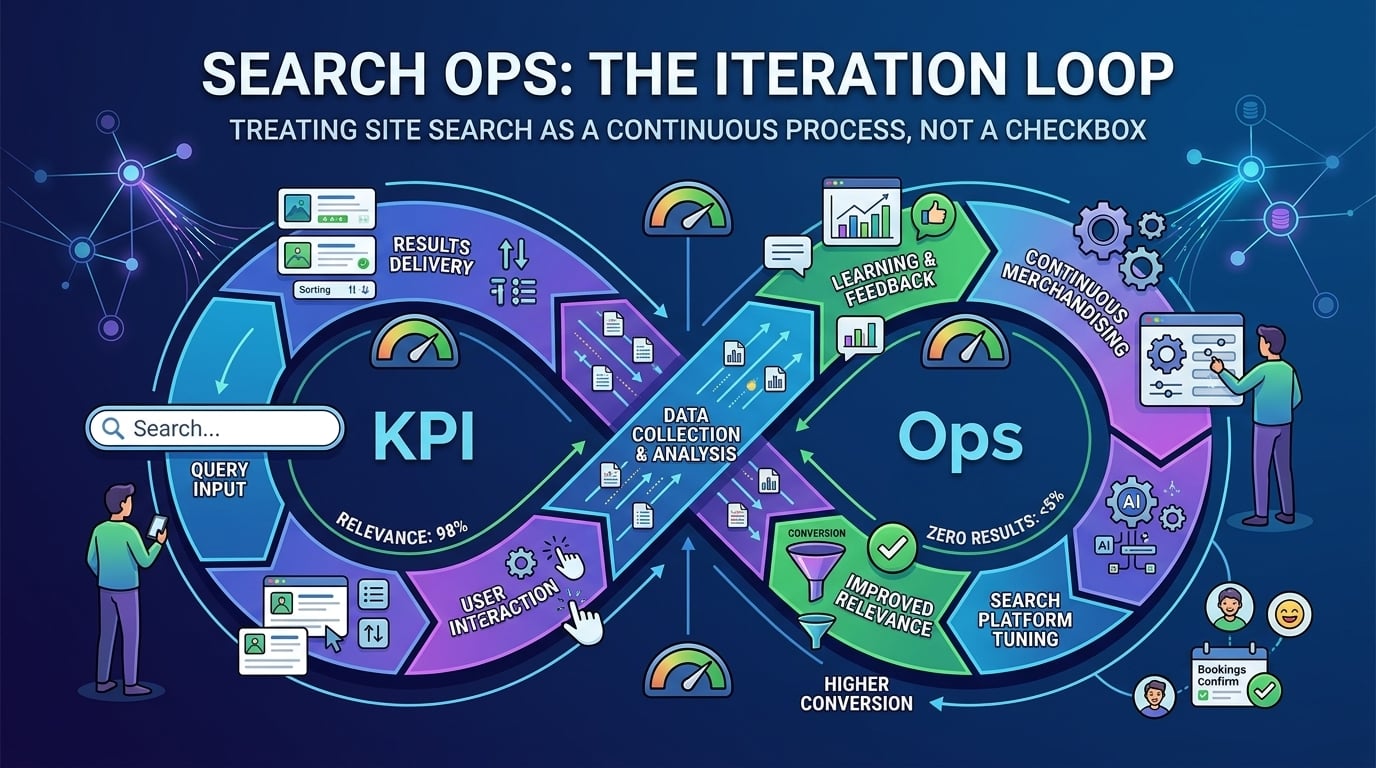
How to use site search analytics

Key takeaway
They sent me the logs. I wanted the questions.
Empty results, no clicks, and no conversion are different problems.
A box you cannot see is a box you cannot run.
I’d been asked to look at a site that had been live for the better part of a year. Campaigns were going out. The box sat at the top of every template.
Steering meeting. The pack had traffic, conversion, a handful of tickets. Search had a green tick from launch day. I have never trusted a green tick that much.
Someone asked how it was performing.
A developer opened a log. Another person pulled Google Analytics and pointed at bounce for the whole site, as if bounce were a personality. I asked for the queries people had actually typed that week, and how many of those came back empty.
Nobody had that list.
We could prove the engine ran. We could not prove anyone had found anything. Bounce for the whole site is a weather report. I wanted the questions.
Search has a few parts. Guess which one never gets a slide.
How content gets in. The rules that steer what shows up. The interface people type into. And the reports that tell you if any of that worked.
I’ll come back to the first three. This post is the quiet one.
It is not logs. It is not traces. Those keep the lights on. Search analytics is the layer that talks in ordinary language: what people typed, whether anything useful came back, whether they finished.
People already wrote you the brief
Search queries are gold: they are real data that show us exactly what users are searching for in their own words.
— Louis Rosenfeld, Search Analytics for Your Site
The modern way of leaving gold in the ground: ship the box, never open the report.
If I can get someone to open the last thirty days, I don’t start with conversion. Conversion is the last chapter. I start with whether anyone even used the box.
If visits are up and searches are down, the box might be hiding. Or it looks like it won’t help, so people don’t bother. Don’t throw a party for low volume until you know they can find it.
If searches are high, that can mean the box is the door. It can also mean the menus failed. My favourite tell: someone lands on a page and immediately types a word that is already in the heading.
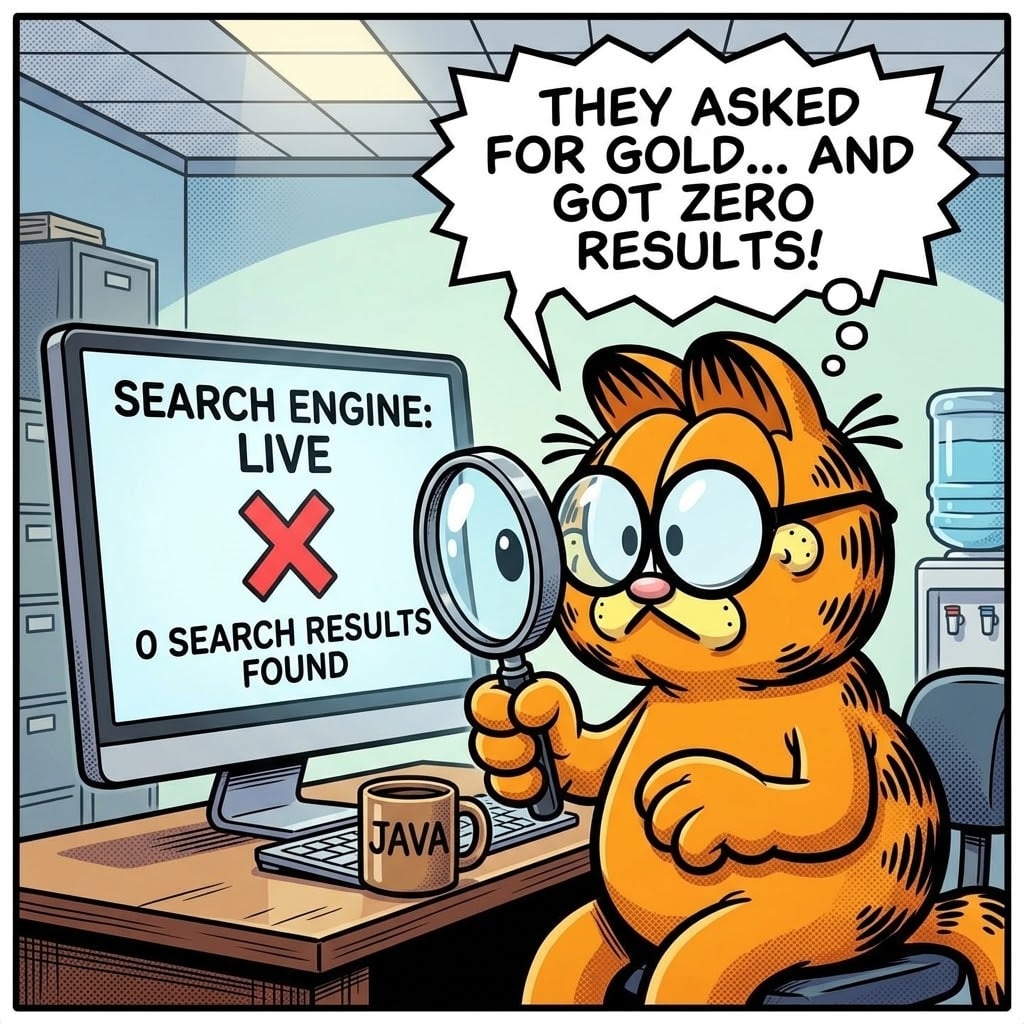
Empty results are the rude ones. They asked, and nothing came back; missing products, missing pages, missing synonyms, a term nobody added. Baymard’s 2026 search UX work found roughly half of people go to search first, and 56% of sites still fail to support what they type. About half of sites don’t help anyone recover from a no-results page. 68% of those pages are a dead end.
Then the polite failures. Results came back. Nobody clicked. Ranking is off, or the first screen is noise. Click-through and conversion both low means they asked, maybe they poked something, then they left. On a shop that’s money. If you don’t sell anything, it’s the form they never submitted, or a phone call that shows up a week later.
Top keywords are the exec slide hiding in plain sight. What do people want this week. A campaign should appear here. If it doesn’t, the spend leaked before anyone saw the page. Change a ranking or a synonym, then watch whether empty results, clicks, bounce, or tickets actually moved. That’s how you stop arguing from taste.
The same trail of behaviour is what makes “recommended for you” and “frequently bought together” real, instead of a module someone named in a workshop. Deloitte’s 2026 work put personalization as the top commerce investment, with online search in the top three things brands wanted to personalise. That only works if someone is looking at what people typed.
Two ways a report dies, plus a relic
In 2026 a lot of sites still run on older indexes: Solr, or whatever came bundled with the CMS. Those engines can retrieve. They were not built so a merchandiser can open a report and pick a fight with the ranking. You get a query log if you’re lucky. You don’t get a conversation.
The other deaths are more ordinary. Tracking never went in. That sits with the people who built the site. Tracking went in and nobody uses it. That sits with the business: no owner, no training, no habit of looking at zeros before a campaign goes live.
And then the mix-up I keep seeing: treating search analytics as a court transcript of the whole website. It isn’t. Search reports tell you how the box behaved. Google Analytics tells you how the visit behaved. You need both. One does not replace the other.
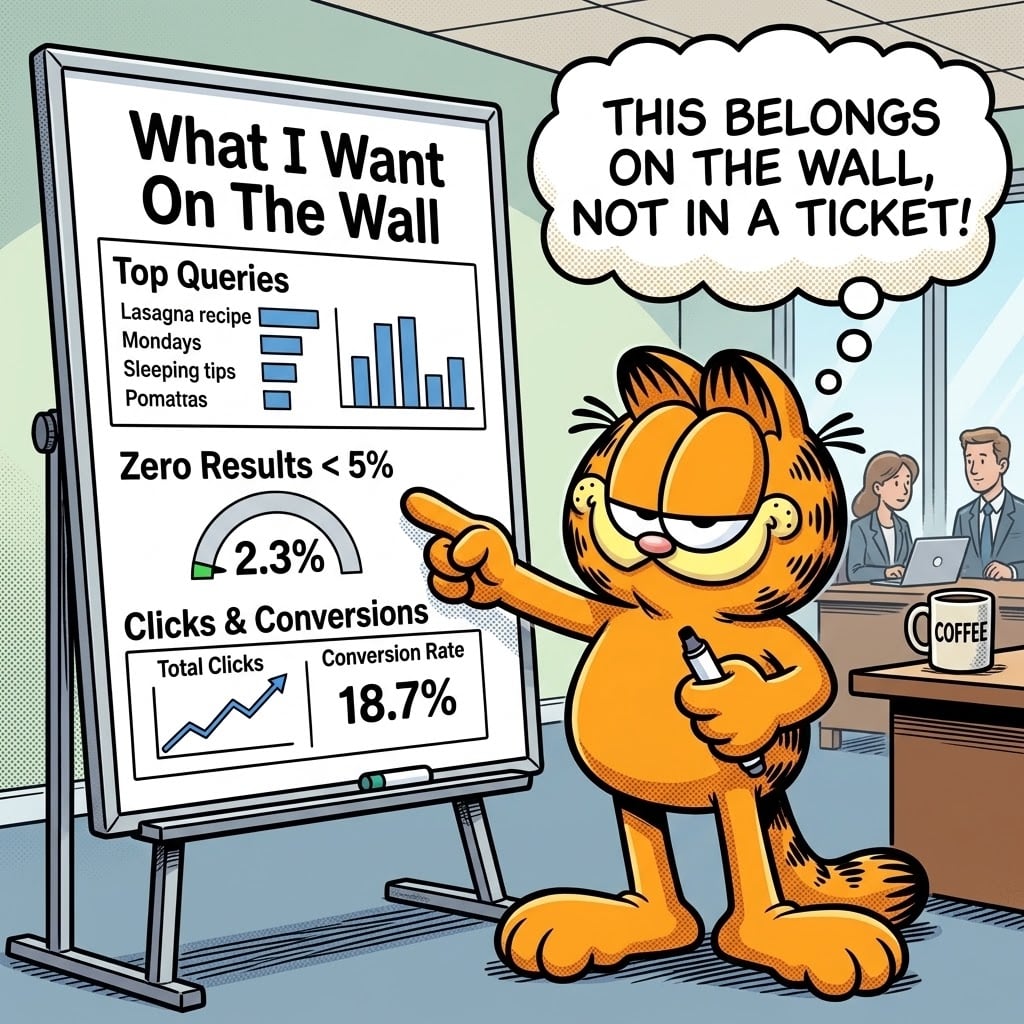
What I’d want on a wall, not in a ticket
A merchandiser who can, without filing a request, answer three things.
What did people type. How many of those searches came back empty; under 5% is a serious target. Of the rest, how many got a click, and how many became an order or a finished job, compared with the rest of the site.
If those three are someone’s weekly job, search has an owner. If they live in a folder from launch week, it doesn’t.
Please don’t send me the logs
Ask for the last thirty days. Top queries, empty results, searches with no clicks, search conversion against the rest of the site. If nobody can produce that list, you don’t have analytics. You have a box, and a green tick.
Then give the reports to the people who own the experience, not only to the people who keep the servers up. Looking at zeros should be part of campaign launch, not a forensic exercise after it fails.
If the platform still can’t get a business user that far, the engine is the wrong tool. Older search was built for retrieval. It was not built so the business can hear what people asked for, and change something the same afternoon. A box you cannot see is a box you cannot run. Replace it.
I still think about that meeting. The green tick. The pause. The folder nobody had opened.
The questions were already there. We just never looked.